Software
Some programs listed below requires you to enter your grid square
or your geolocation for the program to work correctly.
If you click on the link below, this will give you all the info you
require to enter into the program. Enjoy...
Amateur Radio Ham Radio Maidenhead Grid Square Locator Map
NOTE
If you are new to Amateur Radio or an old timer and only use a paper
logbook, then I also strongly advise and recommend that you join QRZ.com
It is free to join. Enter all your station details and ALWAYS make sure
your details are up to date, especially your email address.
Once you are on the HF bands, QRZ is used worldwide to look up your
station details.
NOTE: Your details are kept safe on QRZ and can only be accessed
and seen only by other hams who have registered on QRZ, No details are
shown of any station until you have logged in.
Visit QRZ
QRZ.COM
or register here
Register here for QRZ
Logbook and Logging Programs
-
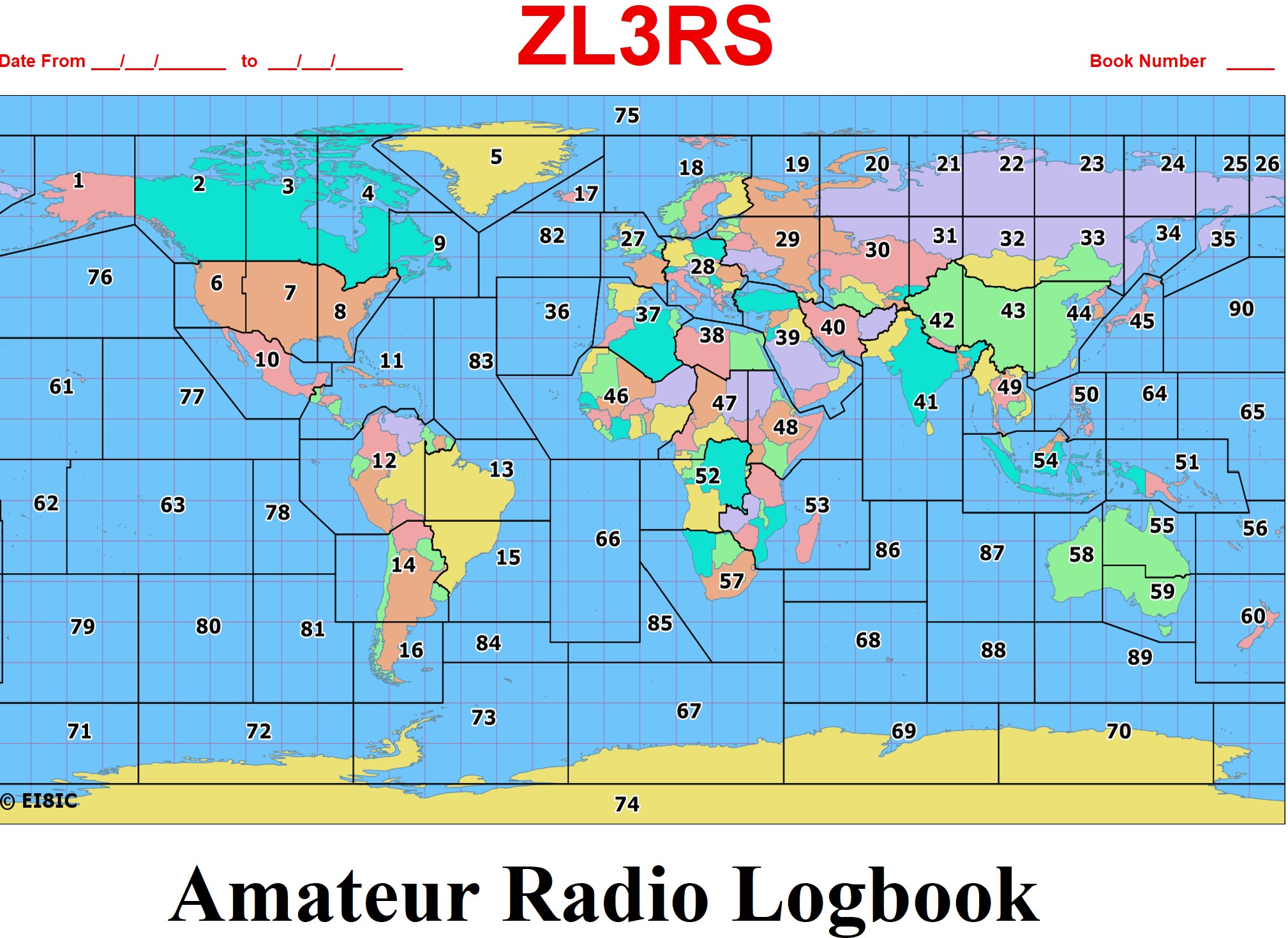 Designed by ZL3RS in excel.
Save a copy onto your PC First and then run
-
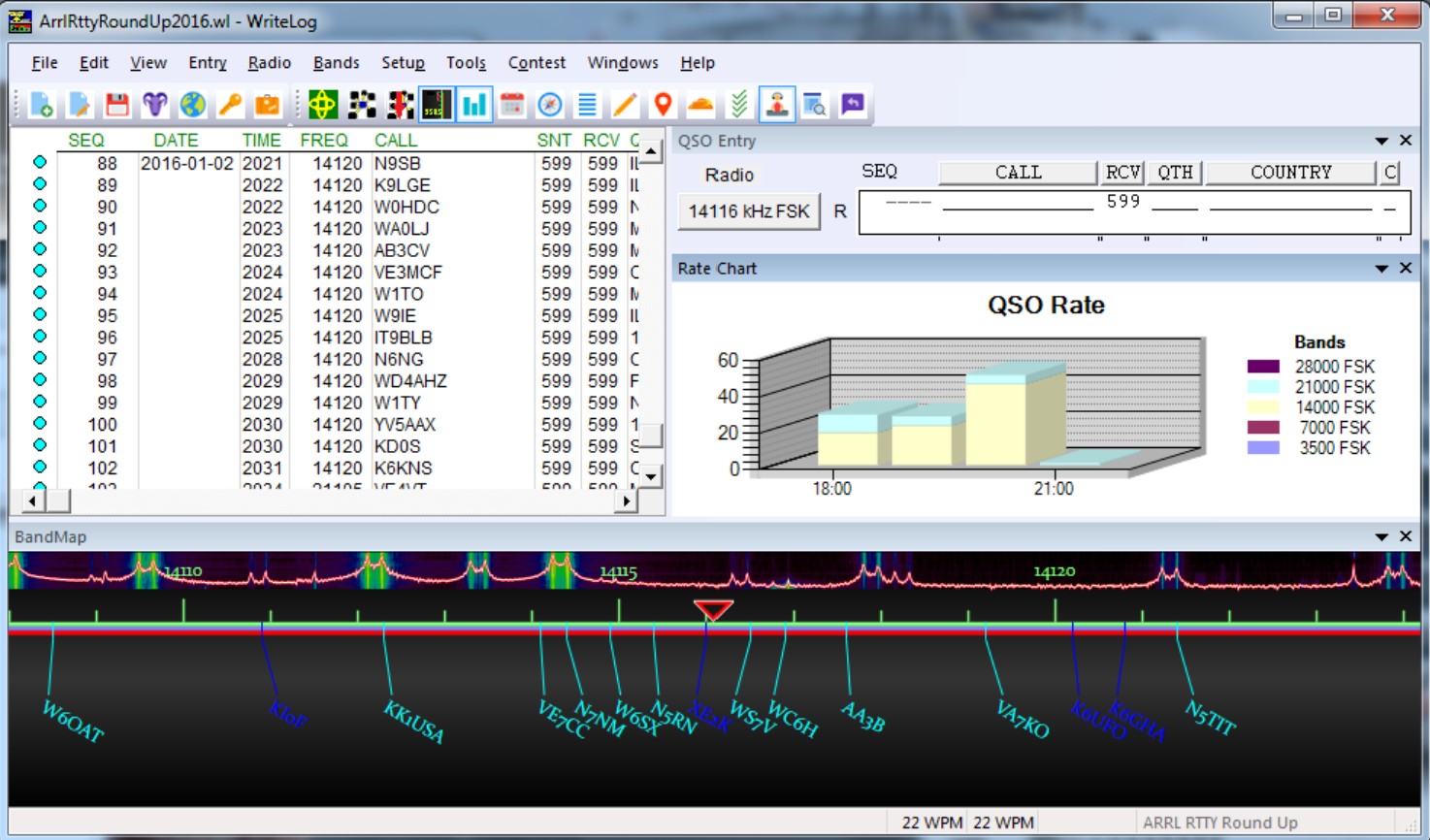 Check out this WriteLog Software. You can try this software, as a demo
before you purchase it. It is not a subscription software or over
priced so good value for the money.
Check out this WriteLog Software. You can try this software, as a demo
before you purchase it. It is not a subscription software or over
priced so good value for the money.
-
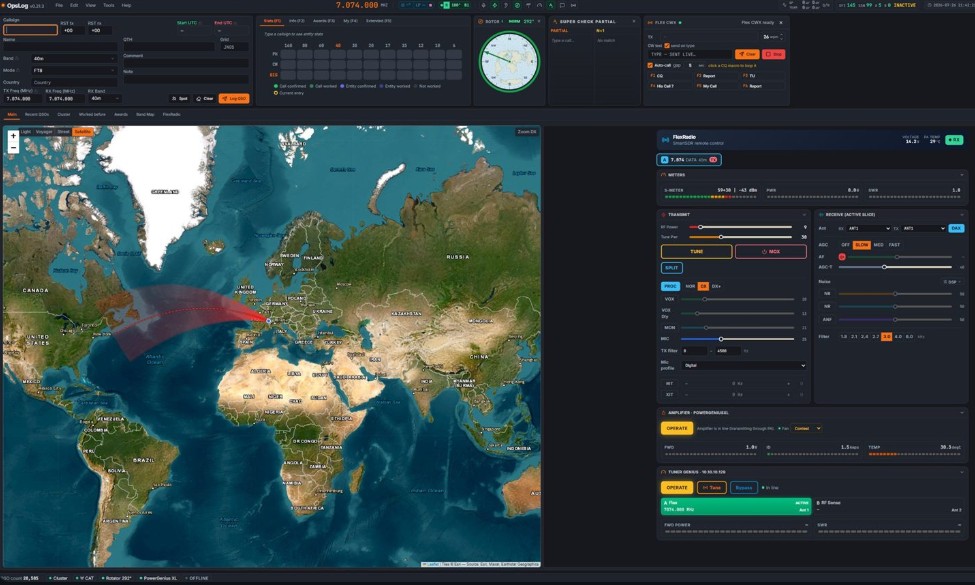
OpsLog - Your whole Station in one window
This logbook software is FREE and open source, designed and developed
by F4BPO.
Features are:-
-
Logging that keeps up, ADIF 3.1.7 - Worked before - filter
builder
-
Maps & Azimuth, Great circle - Short/long path - click to turn
-
DX cluster, filtered, Band Map - Alert rules - Auto reconnect
-
QSL card designer, Auto layout - Print ready - eQSL
-
Awards that track themselves, DXCC - POTA/SOTA - LoTW & Clublog
-
Contest & multi-op, Serials - Dupe check - Live Status
The best thing I like about this is, once set-up you can eQSL and it
also auto updates the log so you can keep track etc.
As I own a Icom IC-7300 Mk1 I had to do a few things to set it up and
get it to work.
See the link below on how I got it to work and other notes that may
help you for email set-up for sending eQSL.
Click on the link below for my set-up.
This is a pdf file with notes on how I got this program to work.
Logging Station Set-Up
The link below is to the open source stuff for all you programmers.
Github Page for OpsLog
Credit and Thanks goes to Greg F4BPO for all his hard work on such a
great program.
-
-

-
 Once downloaded, always do an update to make sure you get the latest
build of N1MM.
Once downloaded, always do an update to make sure you get the latest
build of N1MM.
Don't forget to reboot your PC and any issues to refer to the "Docs"
tabs on the N1MM website.
If you intend to use the N1MM program for the Jock White Field Days
contest, then you will need to download this JWFD.zip file below to add
the files as the JWFD contest log is not yet in the contest list and
needs to be added.
JWFD N1MM Installation Help
Read the instruction notes above on how to set-up N1MM for JWFD
Close and restart the program once files have
beed added. JWFD.zip
Once this .zip file has been installed you should now see the JWFD in
the logging list drop down menu.
N1MM Online Help
If you have any problem with the main program, the link above is an
online help file.
Raspberry Pi Imager
-
Raspberry Pi Imager Latest Version
Satellite Programs
-
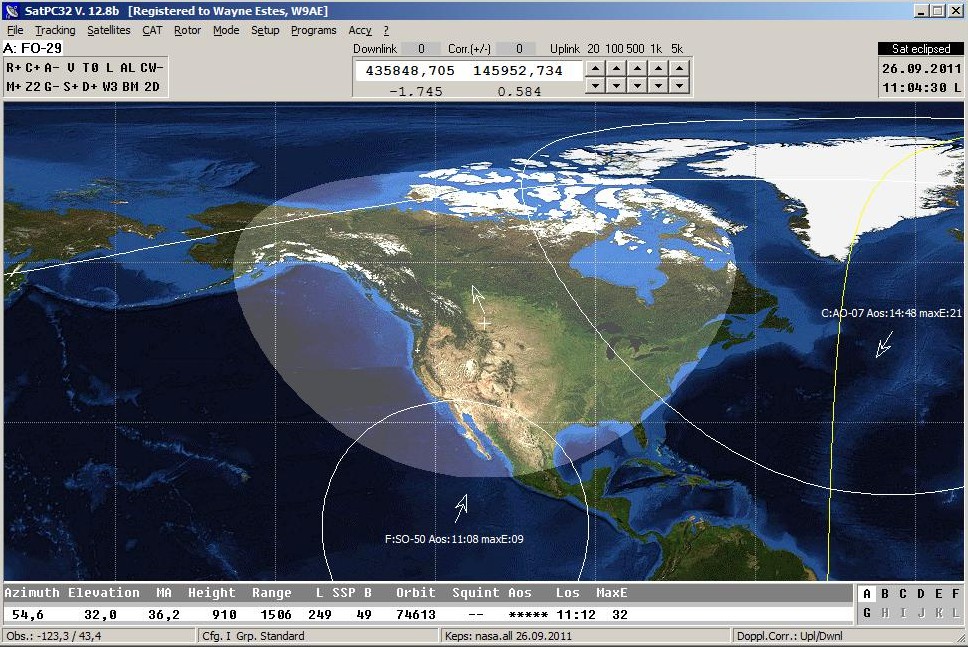
SatPC32 Satellite Tracking Program
This link above will take you to DK1TB Erich's webpage to download the SatPC32
demo program. This is a full working program, but the demo version will
not save your stations details unless purchased.
Icom IC-9700 SatPC32 Set-up
The link below is for IC-9700 users. It will help you set up your
IC-9700 radio to use with the SatPC32 Program.
NOTE: In the link below, the links for the USB drivers are no
longer working, but see lower down on this page for the Icom IC-9700 USB
Driver.
IC-9700 Set-Up using the SatPC32 program
-
SkyRoof Satellite Tracking Program
-

Orbitron Satellite Tracking Program
Antenna Calculator Programs
-

Antenna Calculator Program
Digital Programs
WSJT-X
-
WSJT-X Program for FT8 and other Digital Modes
You will need to pick your operating system and runs on all
platforms. Windows users with a 64bit use the improved version below.
WSJT-X Improved Plus Edition
This is the improved version of WSJT-X and use this for win64 operating systems.
NOTE:
You need to install the radio's driver first and if you have any
problem after installing the driver, and you have installed WSJT-X,
and you cannot find your com port, turn off the power to your radio or
un-plug the power lead and then try again.
This normally fixes any issues.
If you still cannot get it to work check the FT8 installation page for
more tips and help to get your Icom 7300 up and running.
FT8 Installation & Trouble Shooting.
Grid Tracker
-
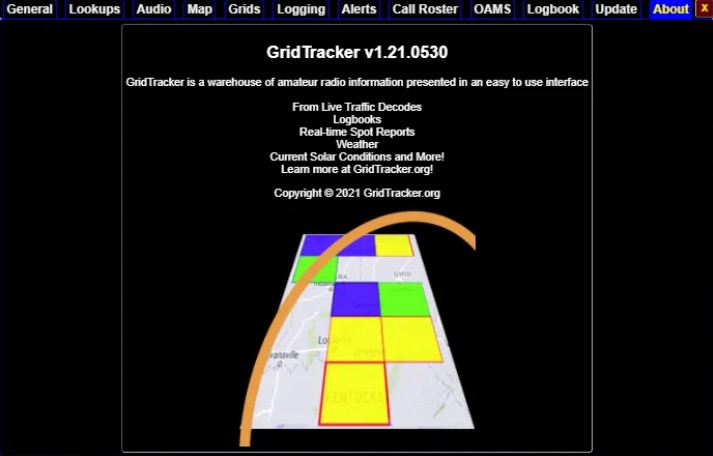
Grid Tracker - Program to use with WSJT-X
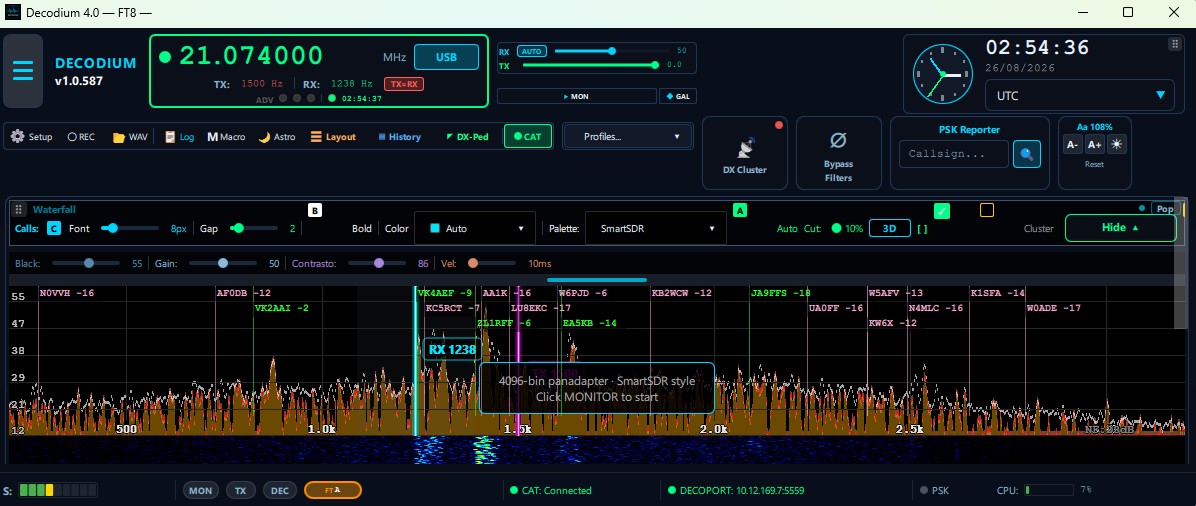
Decodium
-
Radio Programming
-
Ham Radio Crusader Software Downloads
The link above is for Programming Software for many Radio
Manufacture’s. Thanks to Freddie Mac KD5FMU "The Ham Radio Crusader".
Be sure to check out the rest of his website
Here
for other interesting stuff, and don't forget to shout him a coffee.
Icom USB Drivers
-
IC-7300 - USB Driver Ver1.3 (Direct download from Icom Japan's Website)
NOTE:
Install the driver first BEFORE you connect the radio's
USB lead.
This driver also supports all the following transceivers and
receivers. Version 1.3
・IC-7100 ・IC-7200 ・IC-7300 Mk1 ・IC-7300 MK2・IC-7410 ・IC-7600
・IC-7610 ・IC-7850 ・IC-7851 ・IC-9100 ・IC-9700 ・IC-R8600
-
IC-7300Mk2 - USB Driver Ver1.8 (Direct download from Icom Japan's Website)
NOTE:
Install the driver first BEFORE you connect the radio's
USB lead.
This driver also supports all the following transceivers and
receivers. Version 1.8
・IC-705 ・IC-905 ・IC-R15 ・ID-52A/ID-52E ・ID-50A/ID-50E ・IC-52A PLUS
・IC-7760 ・IC-7300MK2 ・ID-5200A/ID5200
If you radio is not listed above, click on the link and search for your
radio's driver on the Icom Japan's page.
